
Latitude Knowledge Base
Quick answers for getting value from Latitude
Use these plain-language guides to connect LinkedIn, set up your content strategy, create posts, schedule safely, review analytics, and troubleshoot common issues.
Find an answer fast
All help articles
13 articles
Getting started
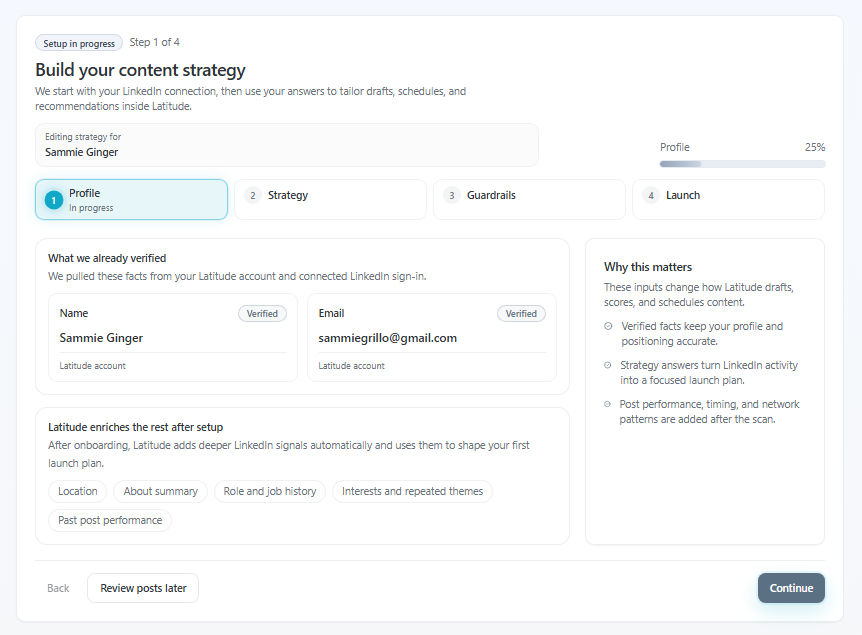
Getting started in 5 minutes (your first posts)
Latitude is designed to get you from "I don't know what to post" to your first week of content ready to go - in just a few minutes.
Accounts and analytics
Troubleshooting performance issues
If the app feels slow or something isn't working as expected, it's usually quick to fix.
Creating content
Can I tag people in my posts?
Short answer: not yet inside Latitude - but there's an easy workaround.
Accounts and analytics
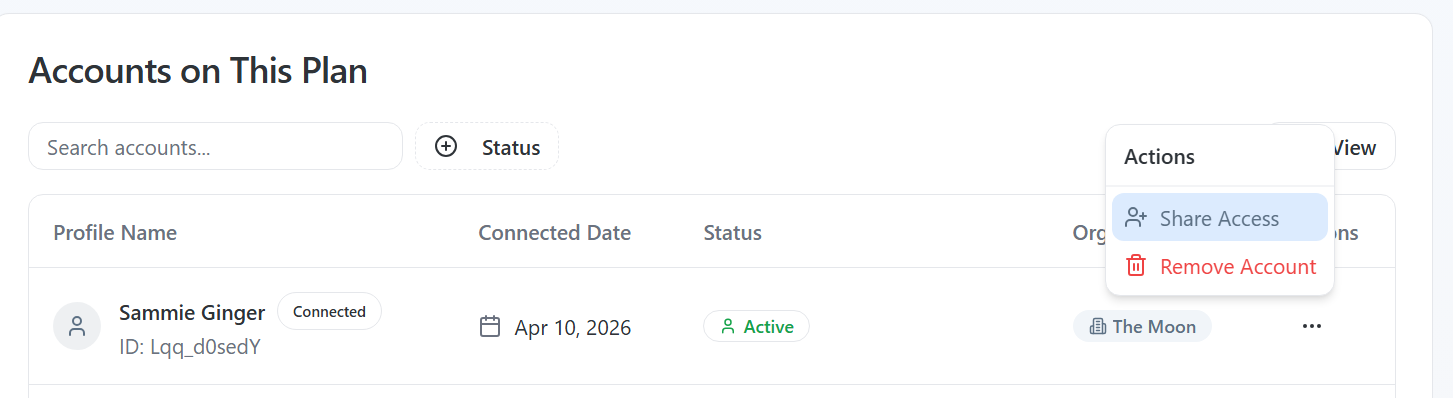
How do I delegate access to my account?
If you're trying to delegate access and don't see the option, it's usually not an error - it means your account isn't enabled for this feature yet.
Getting started
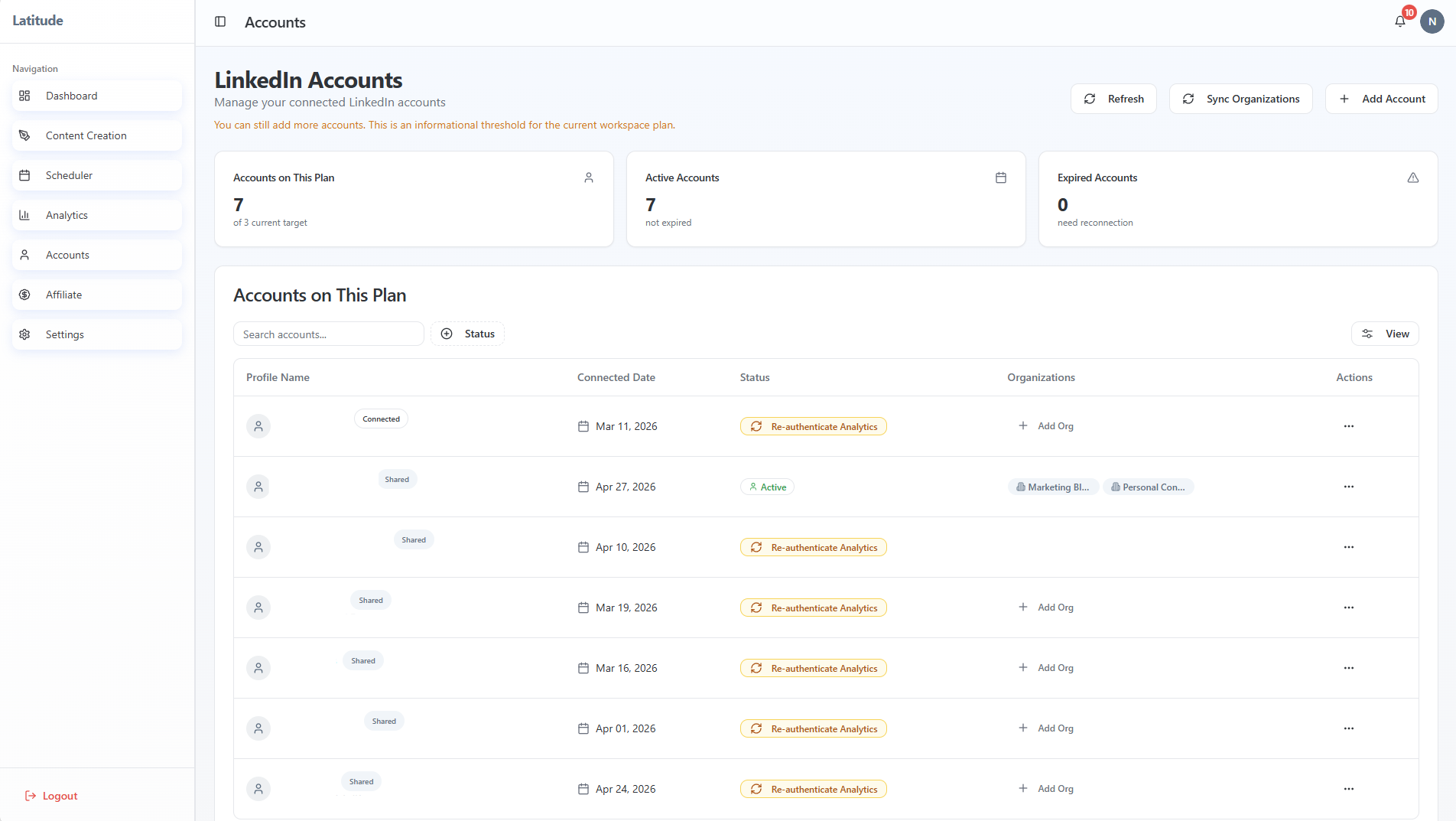
Adding additional LinkedIn accounts
If you're trying to add another user and it's not working, the confusion usually comes down to one thing:
Publishing and scheduling
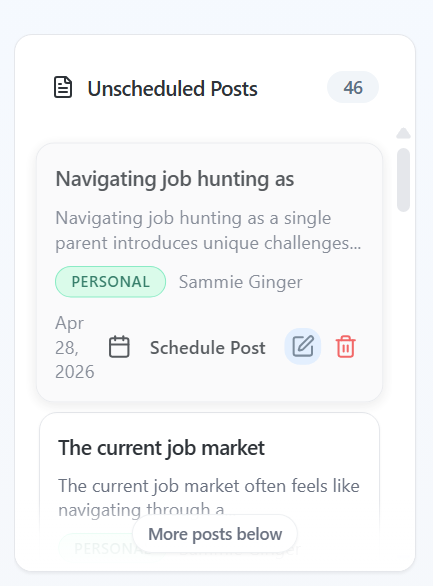
Draft vs Scheduled vs Published: what's the difference?
If you created a post but it didn't go out, you're not alone - this usually comes down to one thing:
Accounts and analytics
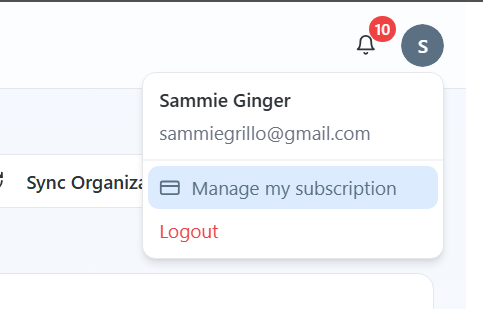
Before you cancel: how to get value from Latitude
Most people who feel this way early on haven't done anything wrong - they just haven't hit the moment where Latitude starts working for them yet.
Getting started
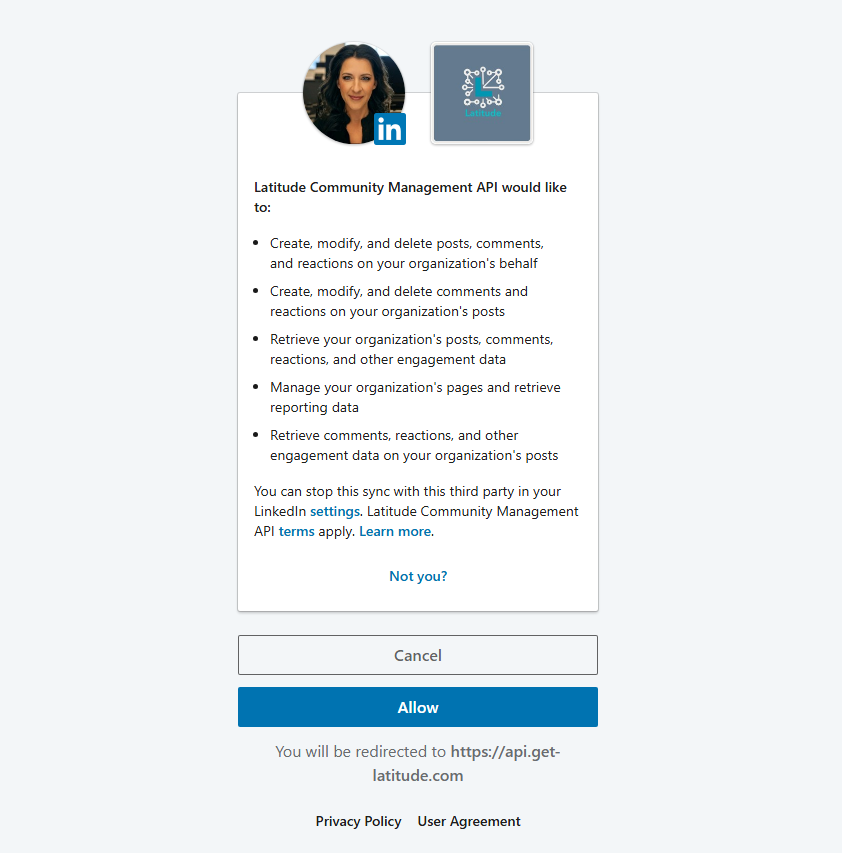
How to connect your LinkedIn account (and fix common errors)
Connecting your LinkedIn account to Latitude only takes a minute - but if something goes wrong, it can feel confusing. Most issues come down to how LinkedIn handles login sessions in your browser.
Getting started
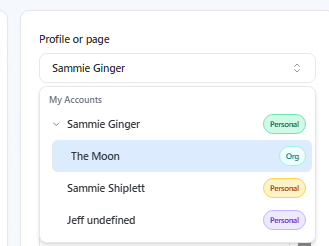
How do I add my Company Page?
If you're trying to post from a company page and it's not showing up, don't worry - this usually comes down to permissions or which LinkedIn account is connected.
Accounts and analytics
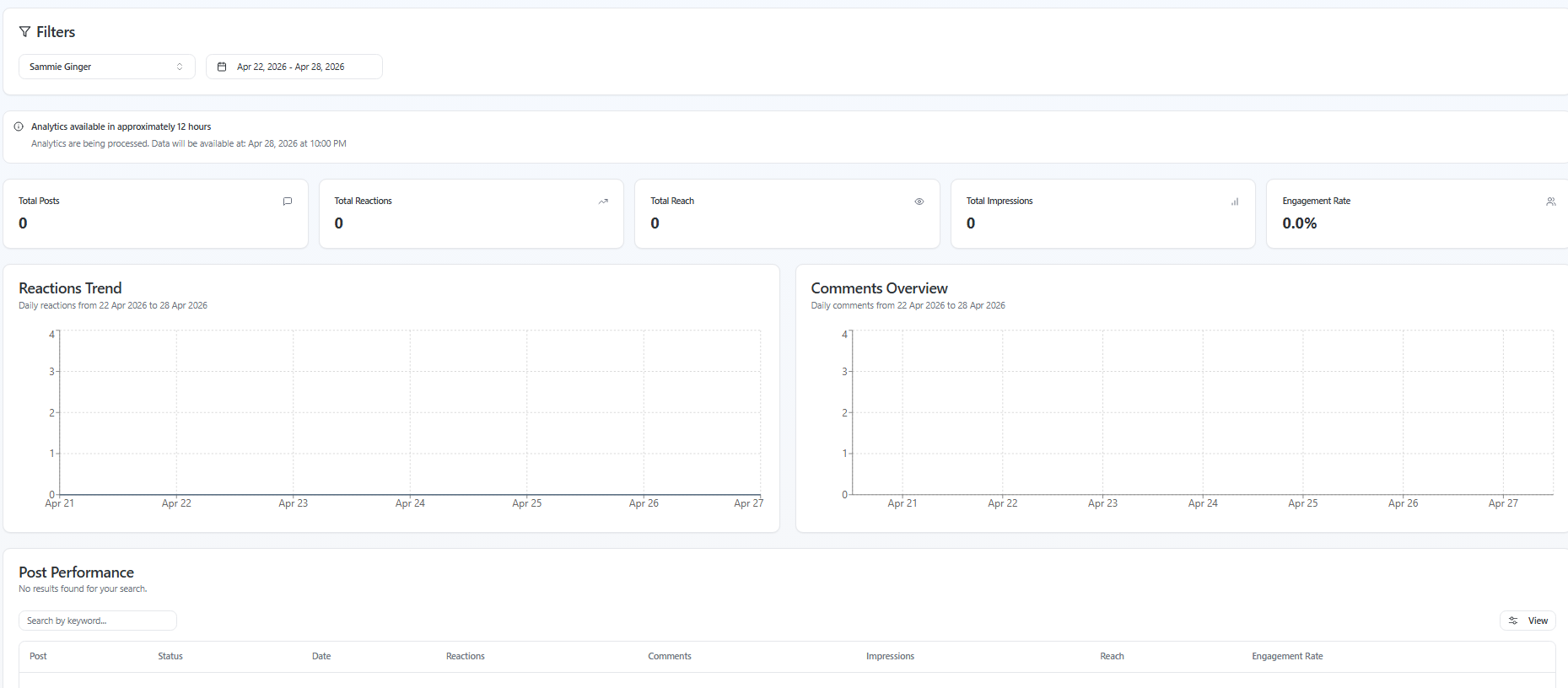
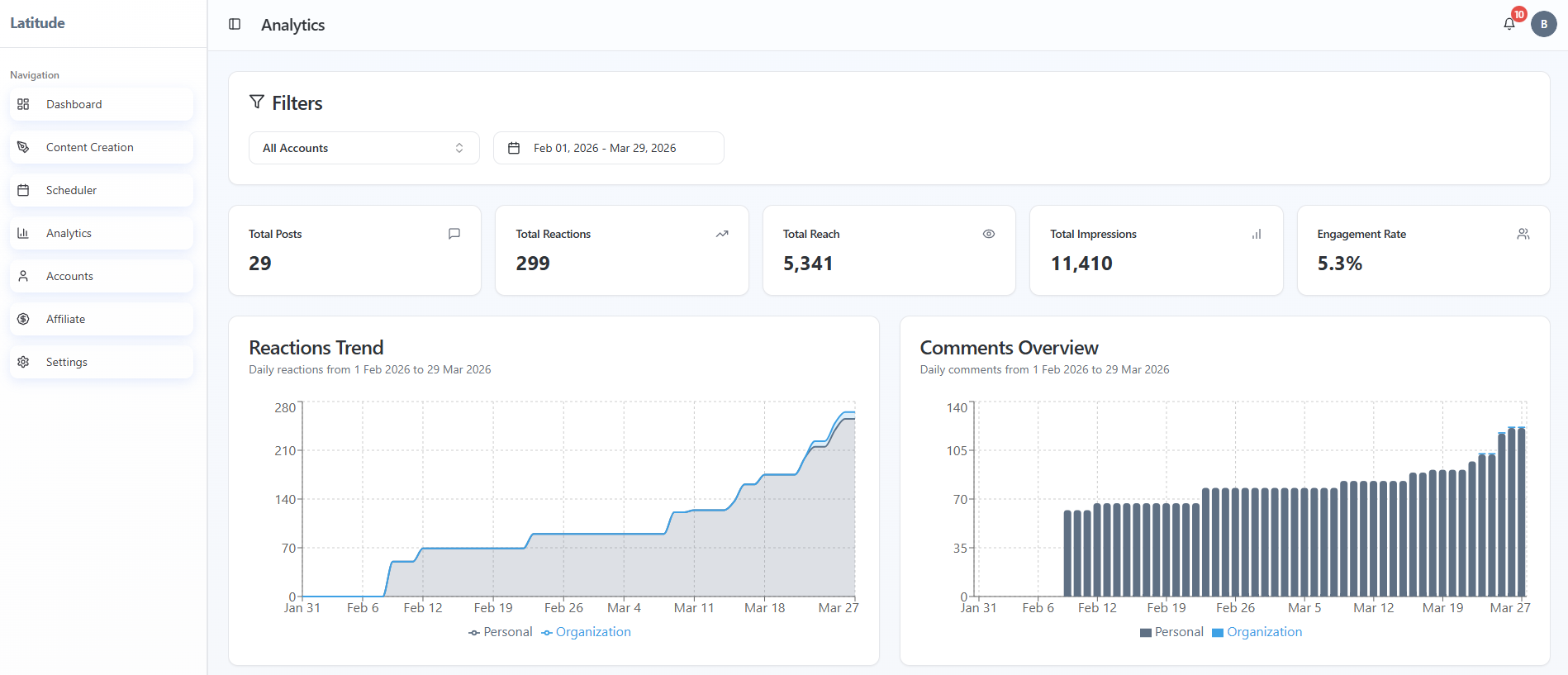
How Latitude analytics work (and when they update)
If your analytics don't look right, don't worry - this is usually expected behavior based on how and when data updates.
Using Latitude
How to make your content sound like you
If your content doesn't feel like your voice yet, that's completely normal.
Creating content
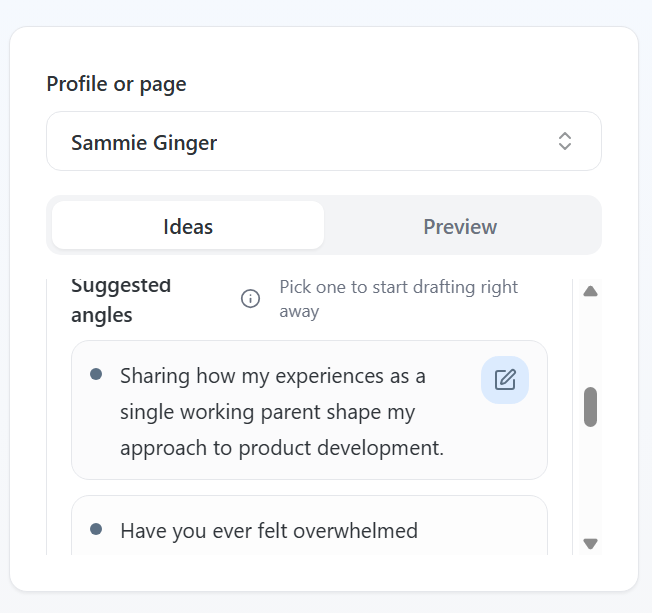
What should I post on LinkedIn? (5 easy starting points)
If you're staring at a blank screen wondering what to post, you're not alone.
Publishing and scheduling
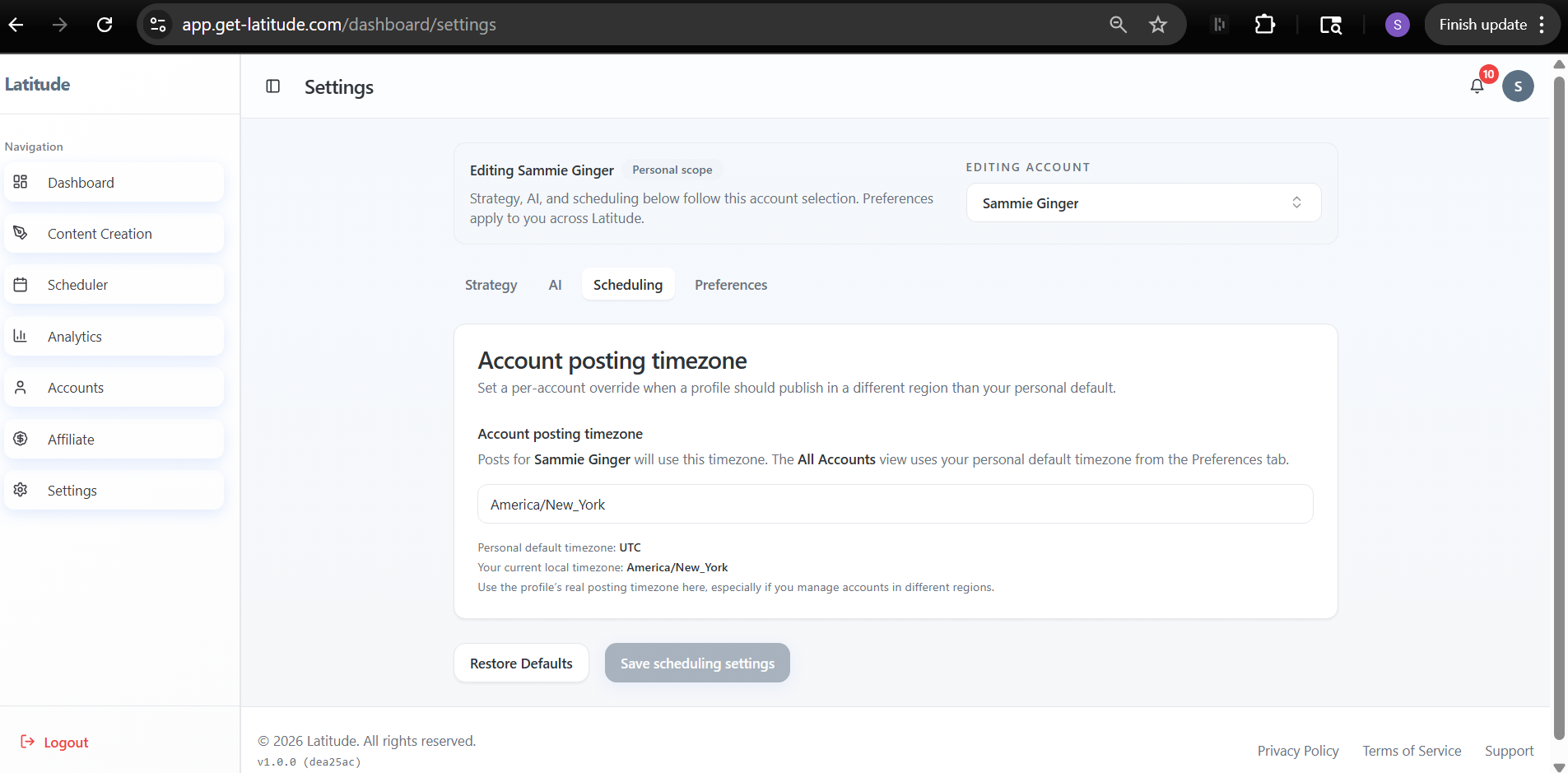
Why your post didn't publish (and how to fix it)
If your post didn't go out as expected, don't worry - this usually comes down to one of a few common issues, and most are quick to fix.
Still need help?
Email support@get-latitude.com with the account, post, or page you are working on. Include a screenshot when possible so the team can trace the issue faster.